ENGAGE
A.WHAT IS A DATABASE?
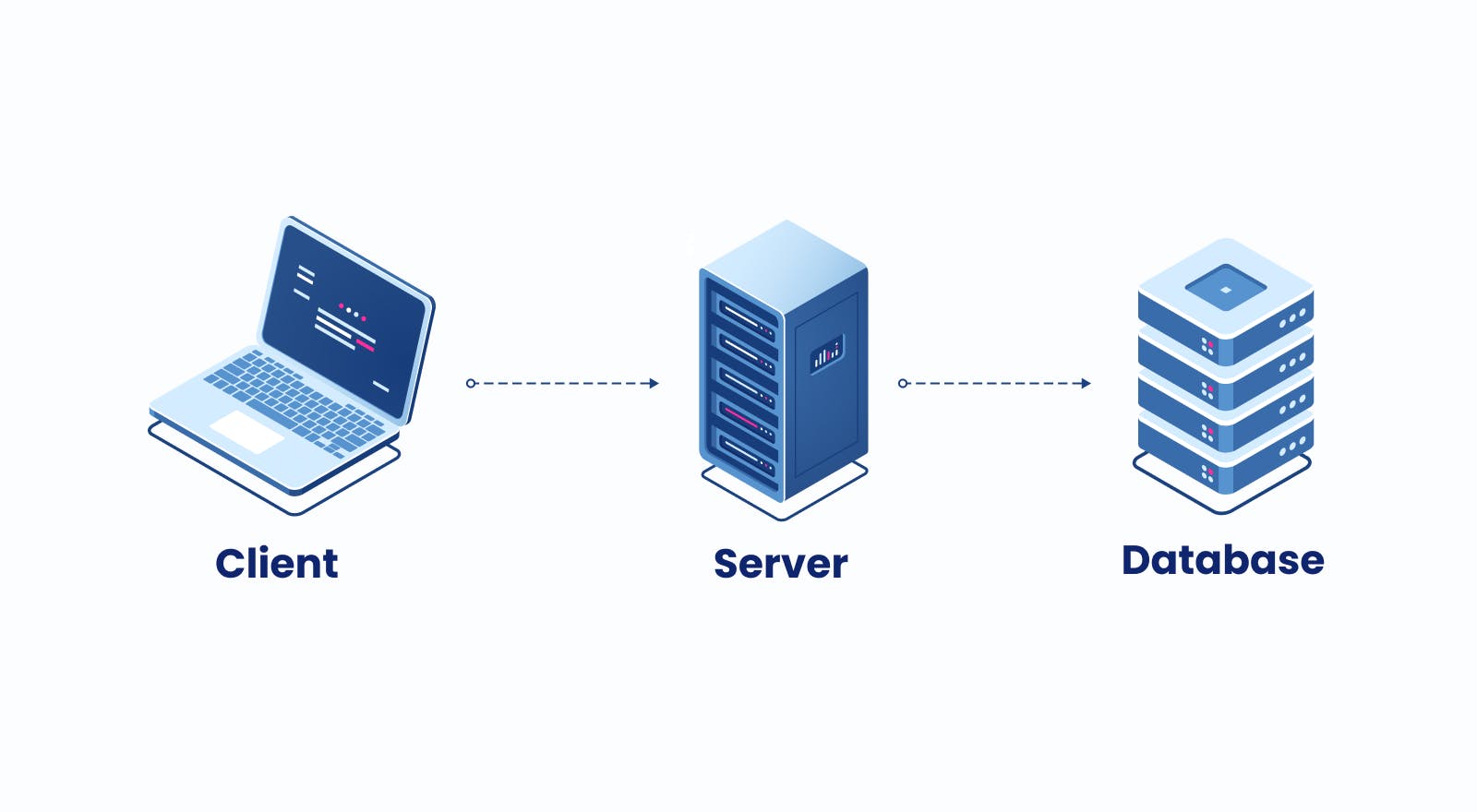
➜A database is a structured collection of data that is organized and stored in a way that allows efficient retrieval and manipulation of information. It is an essential tool for managing large amounts of data and providing easy access to it.
➜A database typically consists of one or more tables, each of which contains a set of records that describe a particular entity or object. Each record is composed of fields or columns, which contain specific pieces of information about the entity or object.
➜Databases are used in a wide variety of applications, including business, finance, healthcare, education, and many others. They can be accessed and manipulated using specialized software known as a database management system (DBMS), which provides tools for creating, modifying, and querying data stored in the database.
B.WHAT TYPE OF SOFTWARE IS MICROSOFT OFFICE EXCEL?
➜Microsoft Office Excel is a spreadsheet software that is primarily used for organizing, analyzing, and manipulating data in tabular form. It is part of the Microsoft Office suite of productivity software and is widely used in businesses, organizations, and personal use.
➜Excel is a versatile software that provides a wide range of tools for working with data, including features for sorting, filtering, and formatting data, creating charts and graphs, performing calculations and statistical analyses, and automating repetitive tasks with macros. It is available for Windows, Mac, and mobile devices, and supports a variety of file formats for data exchange with other software and applications.
C.WHAT TYPE OF SOFTWARE IS MICROSOFT OFFICE ACCESS?
➜ Microsoft Office Access is a relational database management system (RDBMS) that allows users to create and manage databases. It is part of the Microsoft Office suite of productivity software and is designed to help users efficiently store, organize, and retrieve large amounts of data.
➜With Access, users can create tables to store data, create forms for data entry and editing, design queries to retrieve specific data, and generate reports to analyze and summarize data. It also provides a variety of tools for managing database relationships, creating macros to automate tasks, and integrating with other applications.
➜Access is widely used in businesses and organizations for managing large amounts of data, and is particularly useful for creating custom solutions for specific business needs. It is available for Windows and supports a variety of file formats for data exchange with other software and applications.
D.THINK OF ATLEAST TWO DIFFERENCES BETWEEN ACCESS AND EXCEL
➜ Data Structure: Microsoft Excel is a spreadsheet program that organizes data in a flat, two-dimensional table format consisting of rows and columns. While it can be used to store and analyze data, it does not have the same level of data structuring capabilities as Access. On the other hand, Access is a relational database management system that allows users to store data in multiple tables with relationships between them. This allows for more complex and structured data storage and retrieval, making it more suitable for managing large amounts of data.
➜Data Analysis: While both Excel and Access provide tools for data analysis, they are designed to support different types of data analysis. Excel is primarily used for data analysis and manipulation using formulas, functions, and charts. It is often used for financial analysis, budgeting, and data visualization. Access, on the other hand, is better suited for managing and analyzing large volumes of data. It provides powerful tools for sorting, filtering, querying, and reporting data from multiple tables, and supports more complex data relationships, making it more suitable for data-driven applications.
Comments
Post a Comment